Gets your kind of work.
Writing, coding, researching, creating. Moku figures out what you’re working on, without a to-do list or a timer.
Big ideas. Wandering minds. A tiny companion
who’s very happy you came back.
A blank page becomes a first draft. Moku settles in beside you. Nothing to start. Nothing to track. Just a little company.
Welcome screen, simplified.
One clear next step. A little less friction.
A better beginning for someone new.
Writing, coding, researching, creating. Moku figures out what you’re working on, without a to-do list or a timer.
A glance. A pout. A very hopeful face. Sometimes a small friend is all you need to find your way back.
Coming back counts. So does that bit you just finished. Moku is in your corner for all of it.
The app. The thing you were actually doing. The time you gave it. Moku puts the little pieces together, including the moments you found your way back.
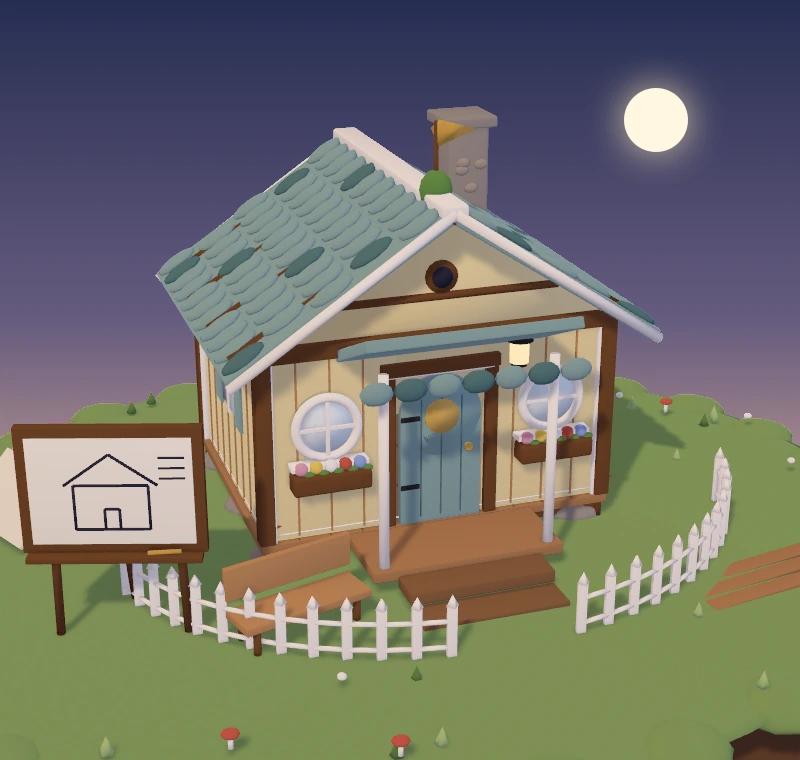
92% built22 of 24 pieces
Next: the garden, in 8 focused min.Same app, different intentions. Researching on YouTube and getting lost on YouTube are two different things.
An onboarding flow, a few loose ends, and four little comebacks. That’s a day of making things.
…and came back 4 times.
A few quick checks 8m
A beam. A window. A light left on for you. Every 10 focused minutes builds a little more of Moku’s home. A new house, every day.
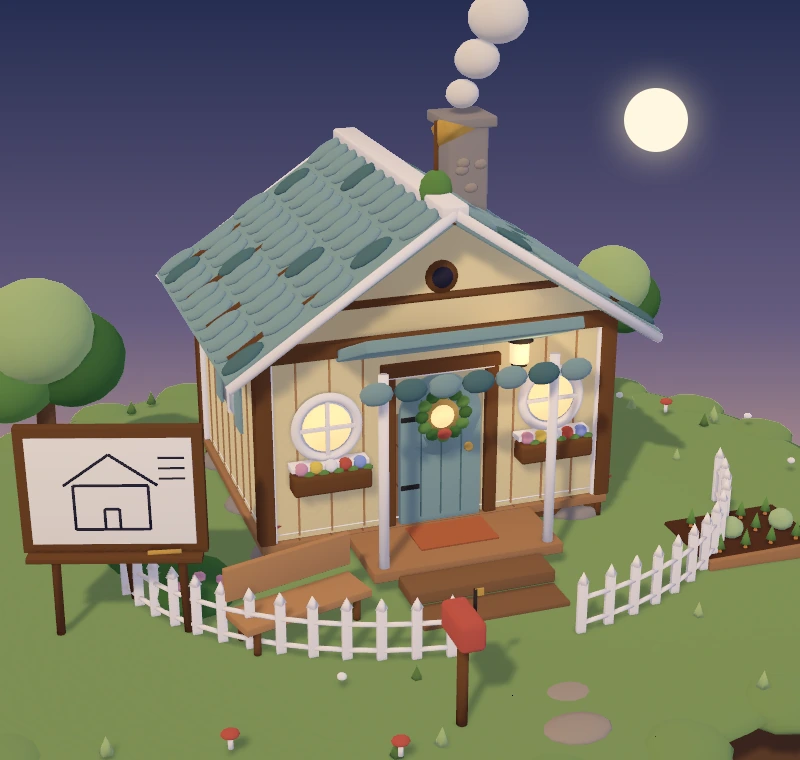
A little world. Go on, turn it.
100%built
4h of 4hThe lights are on. Moku’s home is finished for today.
Step away. Make some tea. Moku can take a break too. Rest is part of making good things.
In a meeting or sharing your screen? Moku quietly steps out of the picture.
Actually, that video is research. Give Moku a pat to say “this is fine.” He’ll take your word for it.

A small desktop companion that helps you find your way back to your work. Moku notices what you’re doing, reacts when you drift, and celebrates when you return. While you focus, he builds a new little house each day.
Every day begins with a fresh plot. Each 10 focused minutes adds one of 24 pieces: the floor, the frame, the walls, the roof, and the little touches that make it home. Four focused hours finish the house for that day. You can revisit earlier builds in Your day.
Nope. Once you’ve introduced yourself and given Moku the permissions he needs, just work. He figures out what you’re doing from your active app and window. No sessions to start or tasks to keep up with.
Moku uses text from your active window, along with the app and window title, to understand your work. Cloud-assisted recognition can send this context to AI services. He reads activity rhythm, not the keys you type. You can pause watching whenever you want.
Then you had a very human day. A few floorboards still count. Your day keeps a record of what you built, even if the house isn’t finished. Tomorrow brings a fresh plot, and Moku will be there with you.
Moku is currently in private beta for Apple silicon Macs running macOS 15 or later. We’re giving him a little more time to settle in before public downloads open.
Meet your future deskmateA little focus. A little friendship. A brighter everyday.
Coming soon to your Mac.